Built around standards
Keep complete parent standards and substandards visible throughout planning instead of reducing alignment to a code.
Lesson Coach helps social studies teachers create standards-aligned lesson packages, improve the materials they already use, and organize everything in one connected instructional workspace.

Lesson Coach handles the heavy lifting without taking the instructional decisions away from you.
Meet Lesson Coach
Not a chatbot. Not a one-time response. A complete workspace for creating, improving, organizing, and reusing classroom instruction.
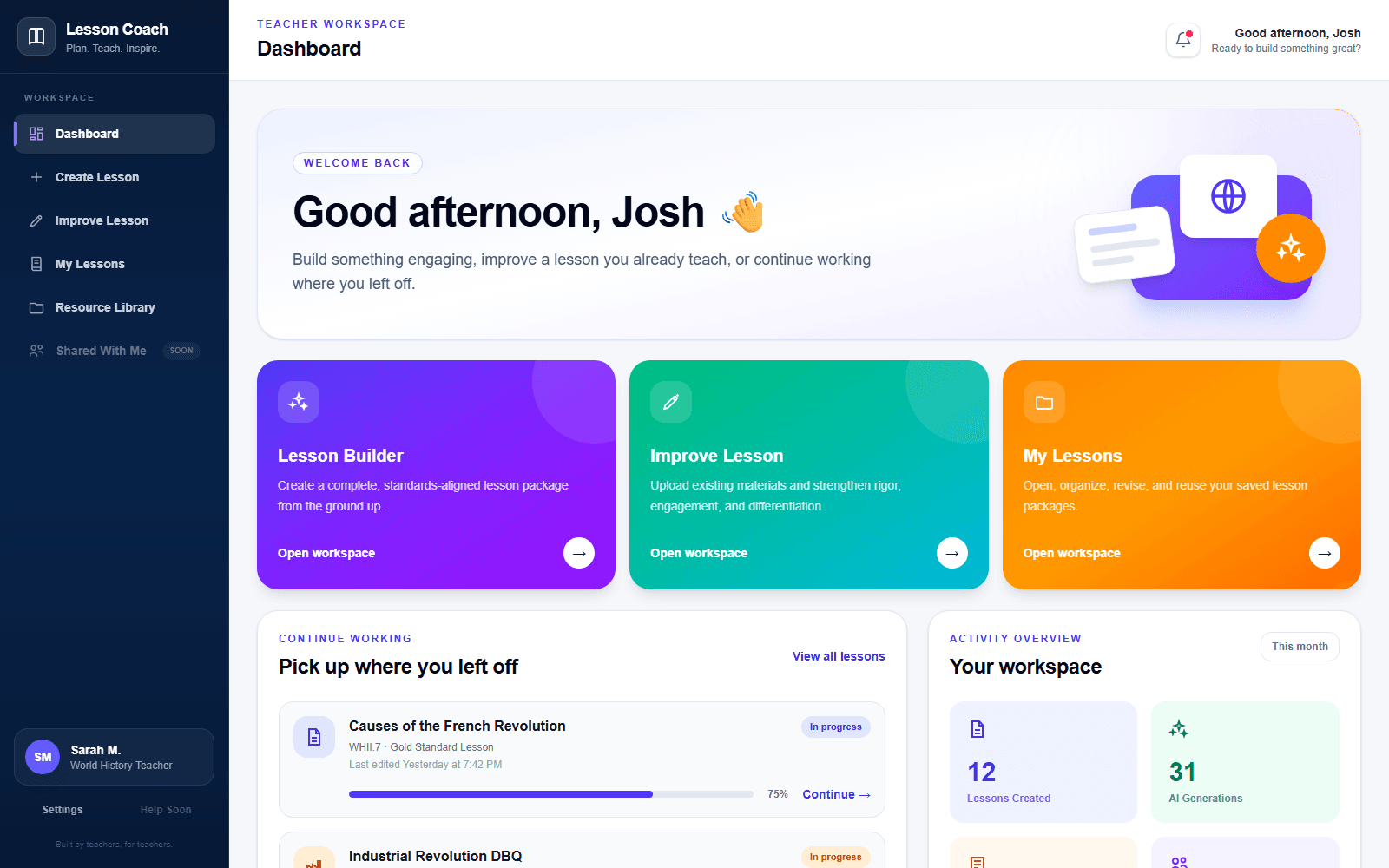
Create Lesson
Choose the course, full standards and substandards, topic, lesson model, classroom context, student needs, assessments, and materials you want included.
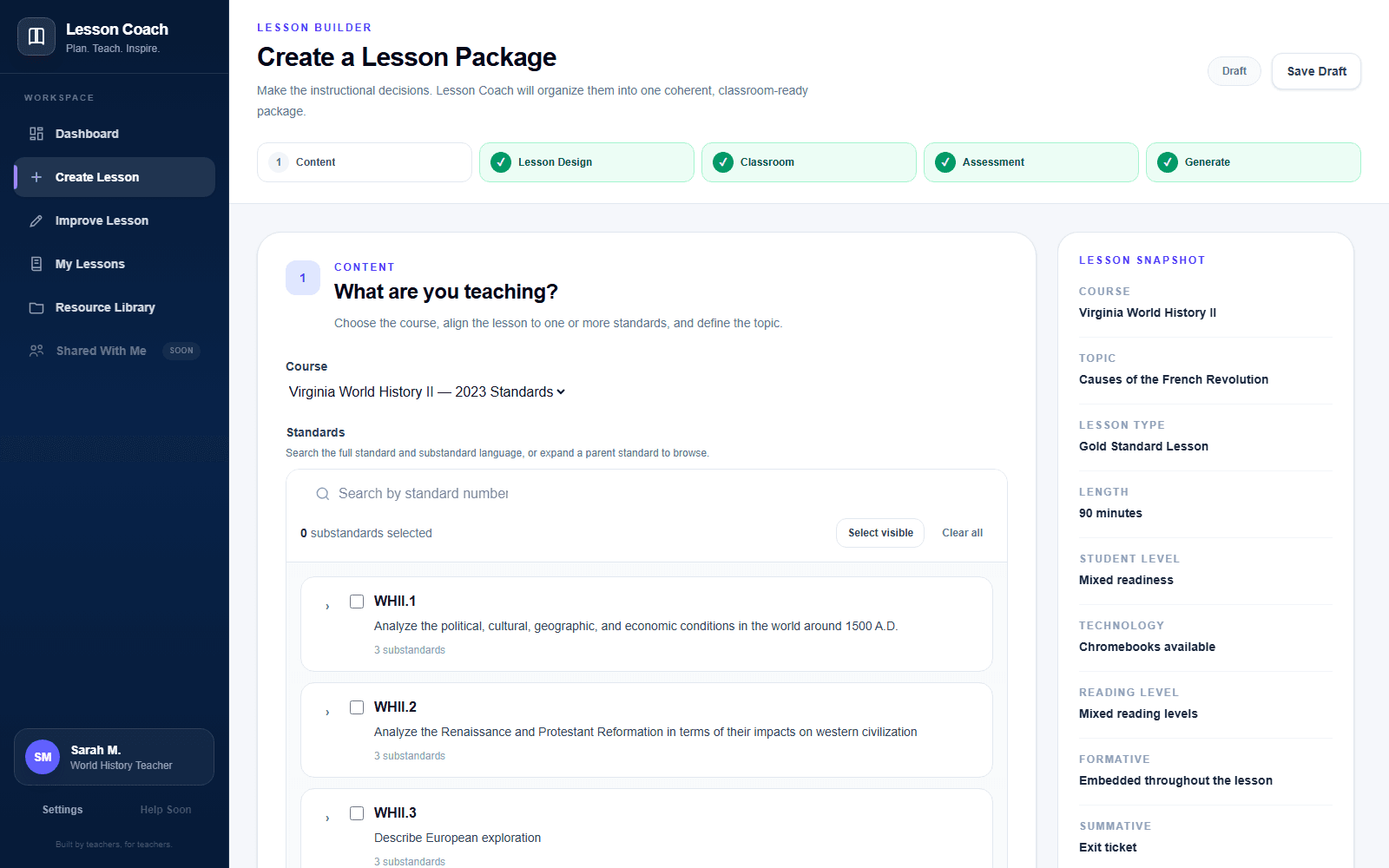
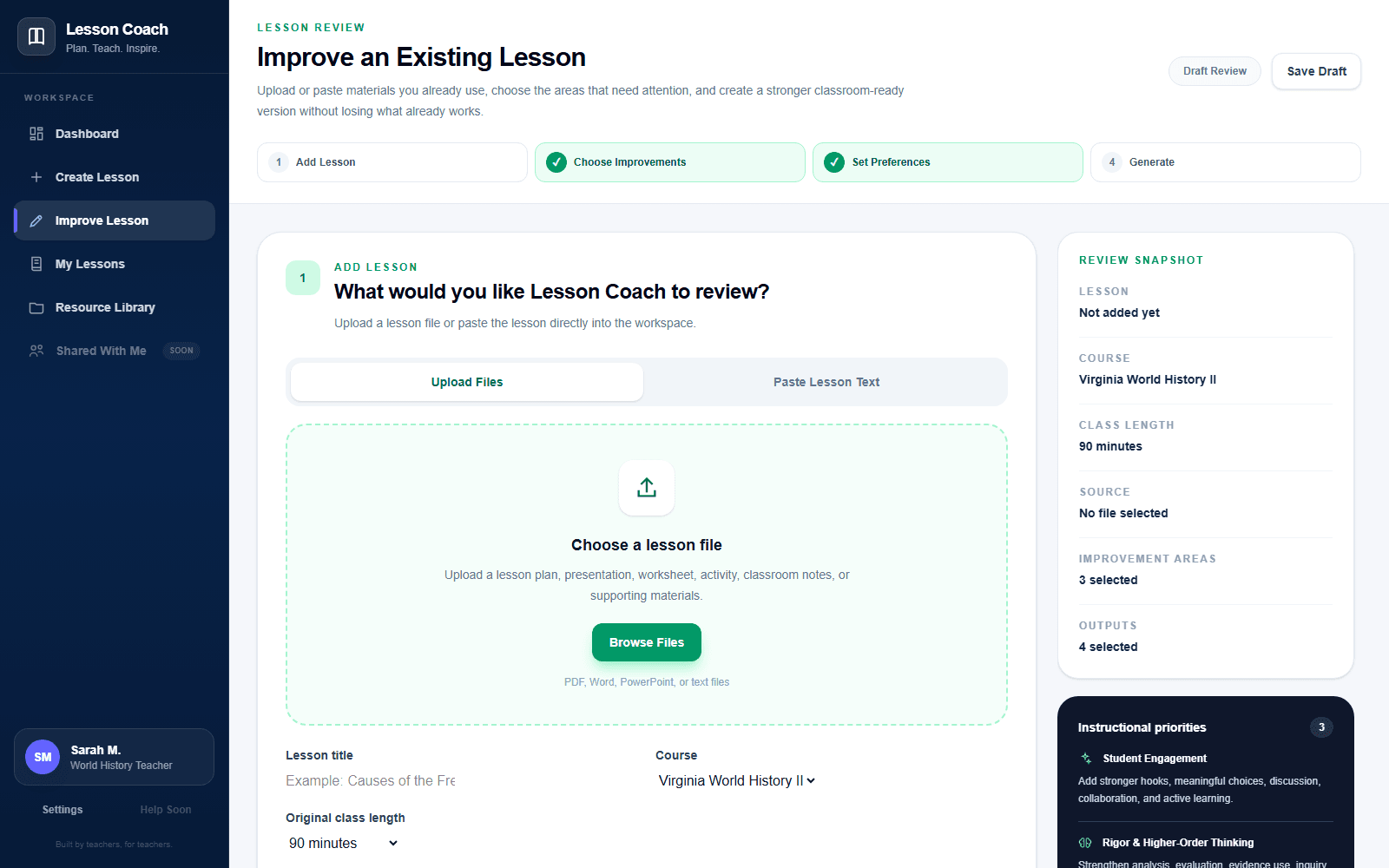
Improve Lesson
Upload or paste an existing lesson, choose exactly what should improve, protect the parts you want to preserve, and request only the outputs you need.
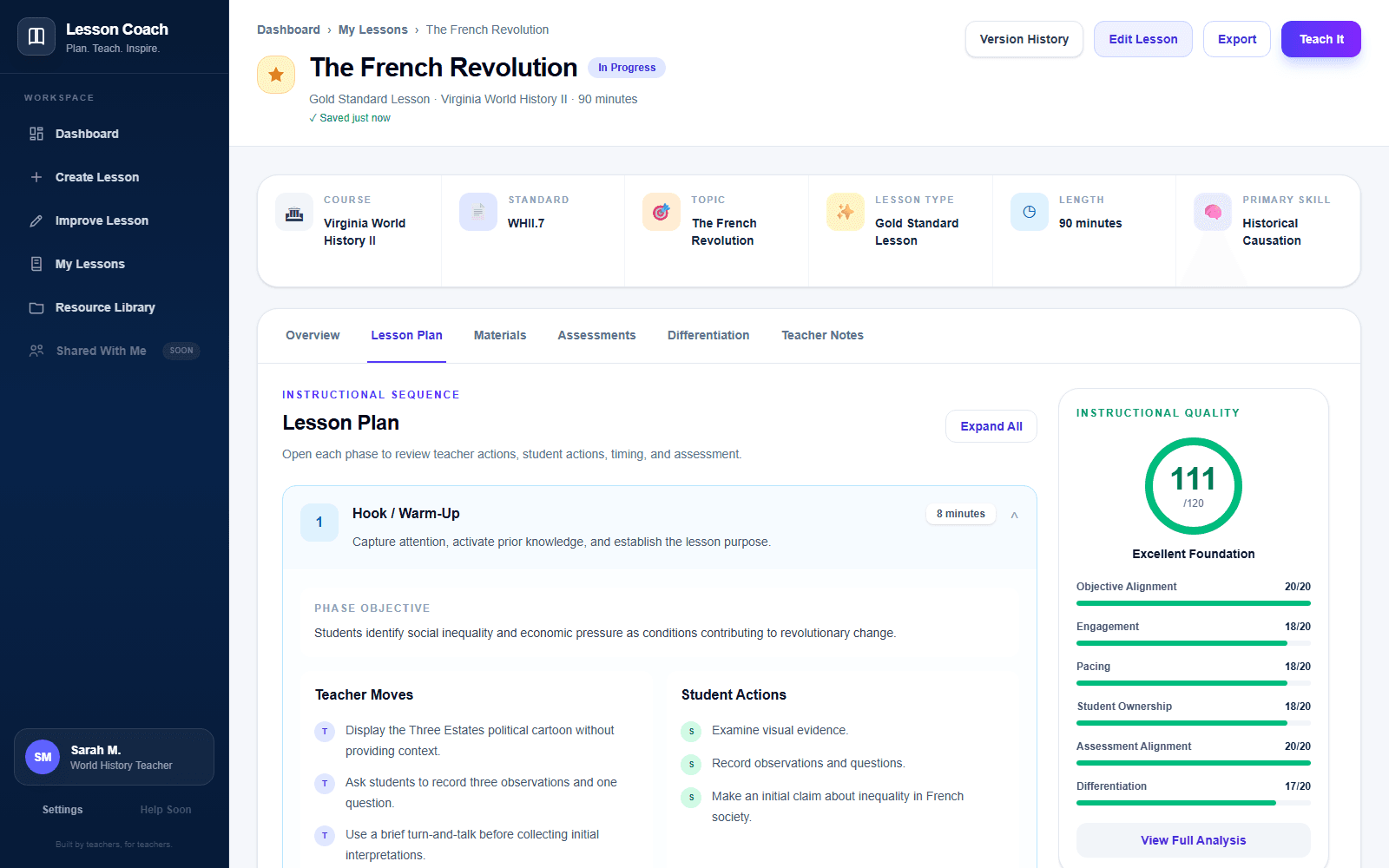
Lesson Workspace
Work inside a structured lesson package instead of sorting through one giant AI response. Review the instructional sequence, materials, assessment alignment, differentiation, private notes, and quality feedback.
Your Teaching, Organized
My Lessons stores complete instructional packages. My Resources stores individual assets and links them across lessons without unnecessary duplication.
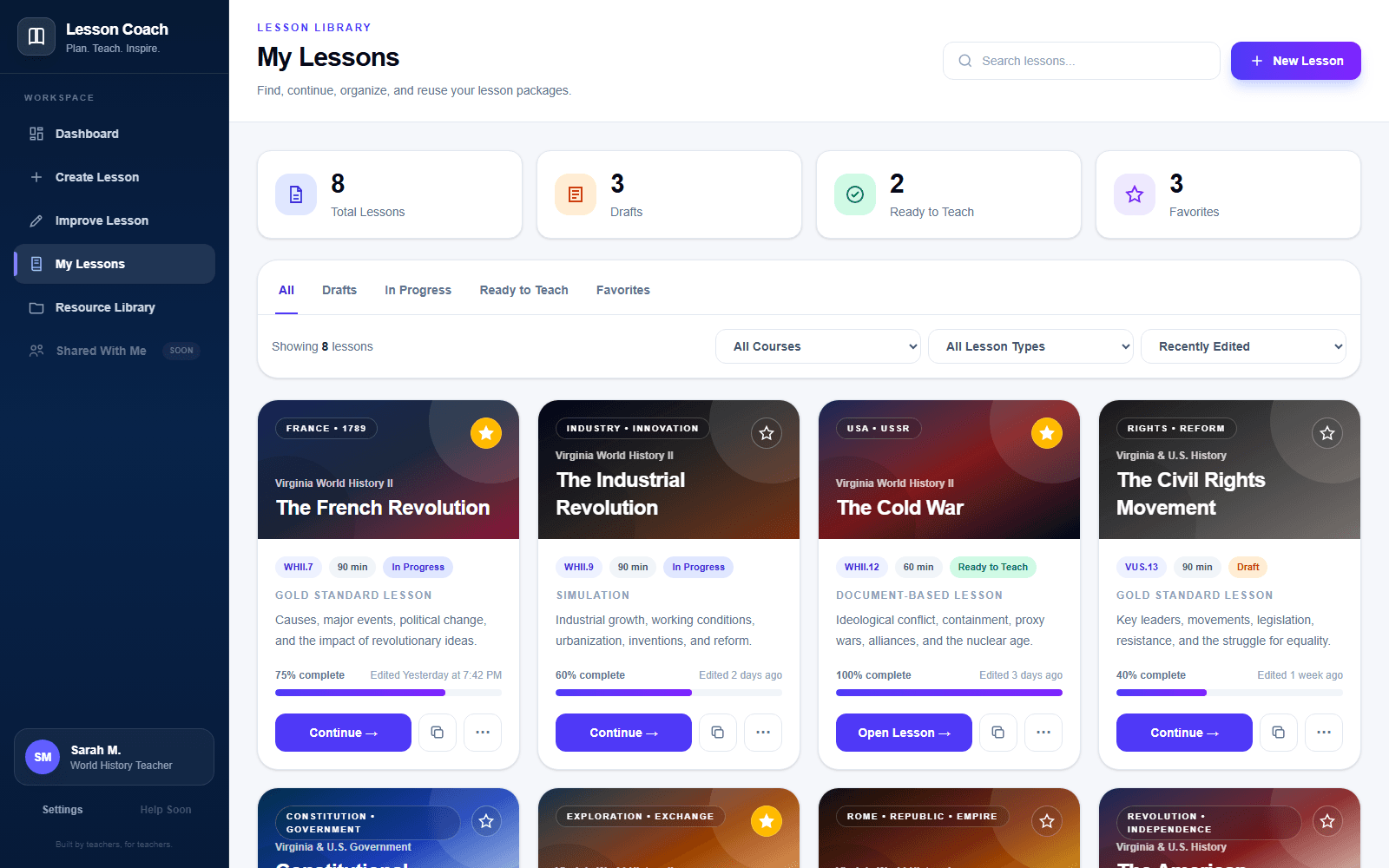
My Lessons
Search, filter, favorite, continue, duplicate, and organize the lessons you create.
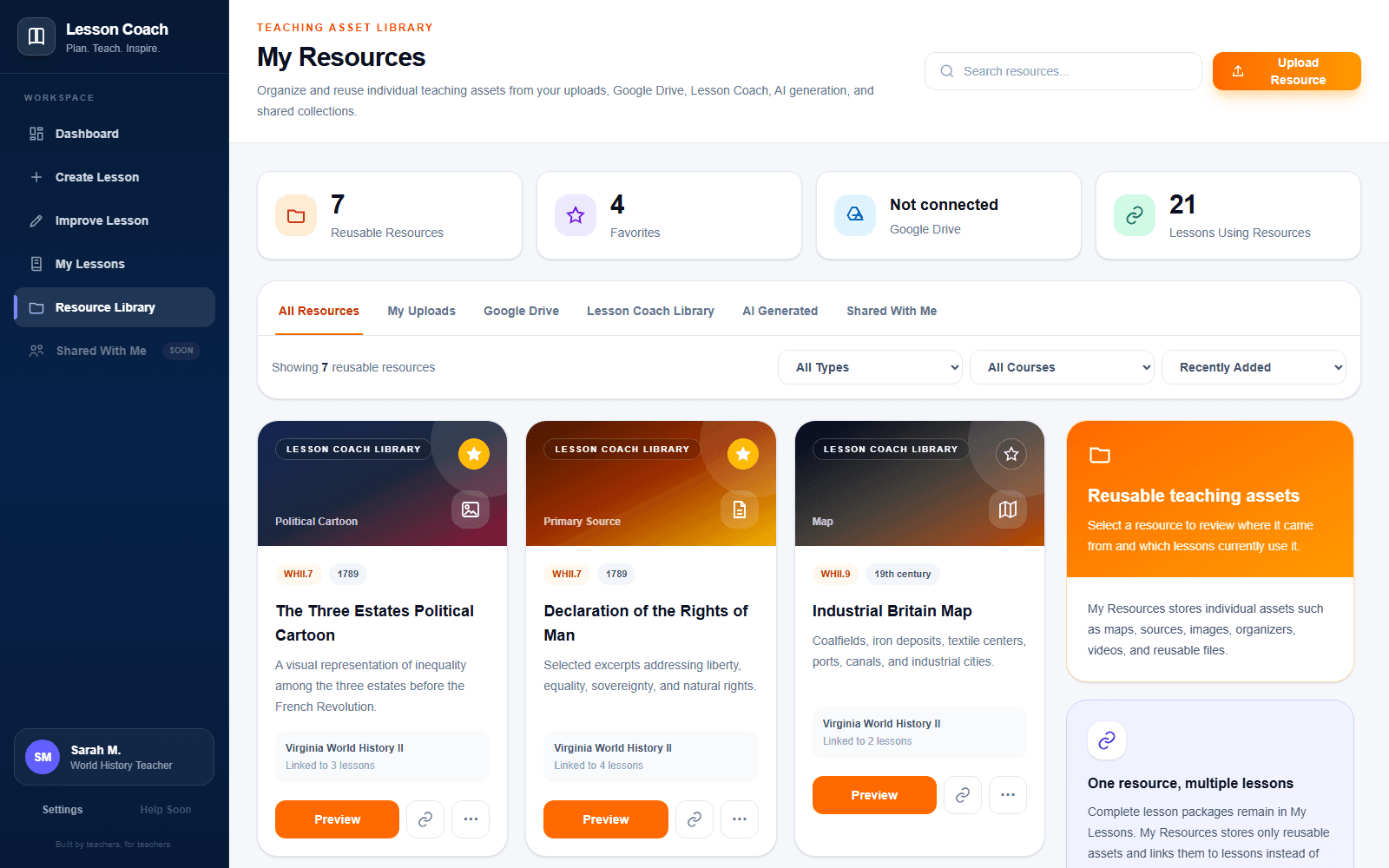
My Resources
Keep uploads, Google Drive files, maps, sources, images, organizers, AI-generated assets, and shared materials together.
Connect your existing Google Drive to keep your documents, slides, primary sources, maps, images, organizers, and other classroom resources in one organized workspace. Lesson Coach works with the materials you've already built instead of asking you to start over.
Why Lesson Coach
The teacher makes the important decisions. Lesson Coach provides the structure, organization, and specialized instructional support.
Keep complete parent standards and substandards visible throughout planning instead of reducing alignment to a code.
Plan the lesson, slides, guided notes, student materials, assessments, differentiation, and teacher resources together.
Start with the lessons you already teach and strengthen them without throwing away your best instructional decisions.
Account for pacing, class size, reading levels, technology, student needs, grouping, and practical constraints.
Save complete packages in My Lessons and reusable teaching assets in My Resources.
Browse and attach existing classroom files without forcing teachers to rebuild their files somewhere else.
How It Works
No complicated prompt engineering. No disconnected outputs. The workflow follows the decisions teachers already make and gives every piece of the lesson a defined place.
Choose the standards, topic, lesson type, classroom context, learning needs, assessment approach, and desired outputs.
Lesson Coach organizes your choices into a structured instructional sequence rather than a disconnected collection of activities.
Strengthen individual phases, materials, assessments, differentiation supports, and teacher guidance without rebuilding the entire lesson.
Keep complete lessons in My Lessons and link reusable sources, images, organizers, uploads, and Drive files from My Resources.
Our Philosophy
Lesson Coach is shaped by classroom experience and designed so the teacher remains the instructional decision-maker.
Built from classroom expertise
Problems with pacing, rigor, differentiation, assessment, historical accuracy, student ownership, and classroom usability require instructional understanding—not merely a better text generator.
Built by a teacher.
Designed for real classrooms.
Continuously refined through classroom expertise.
Build better lessons. Teach with confidence.
Spend less time correcting generic output and more time making the instructional decisions that matter.